Skip to product information
1 of 3

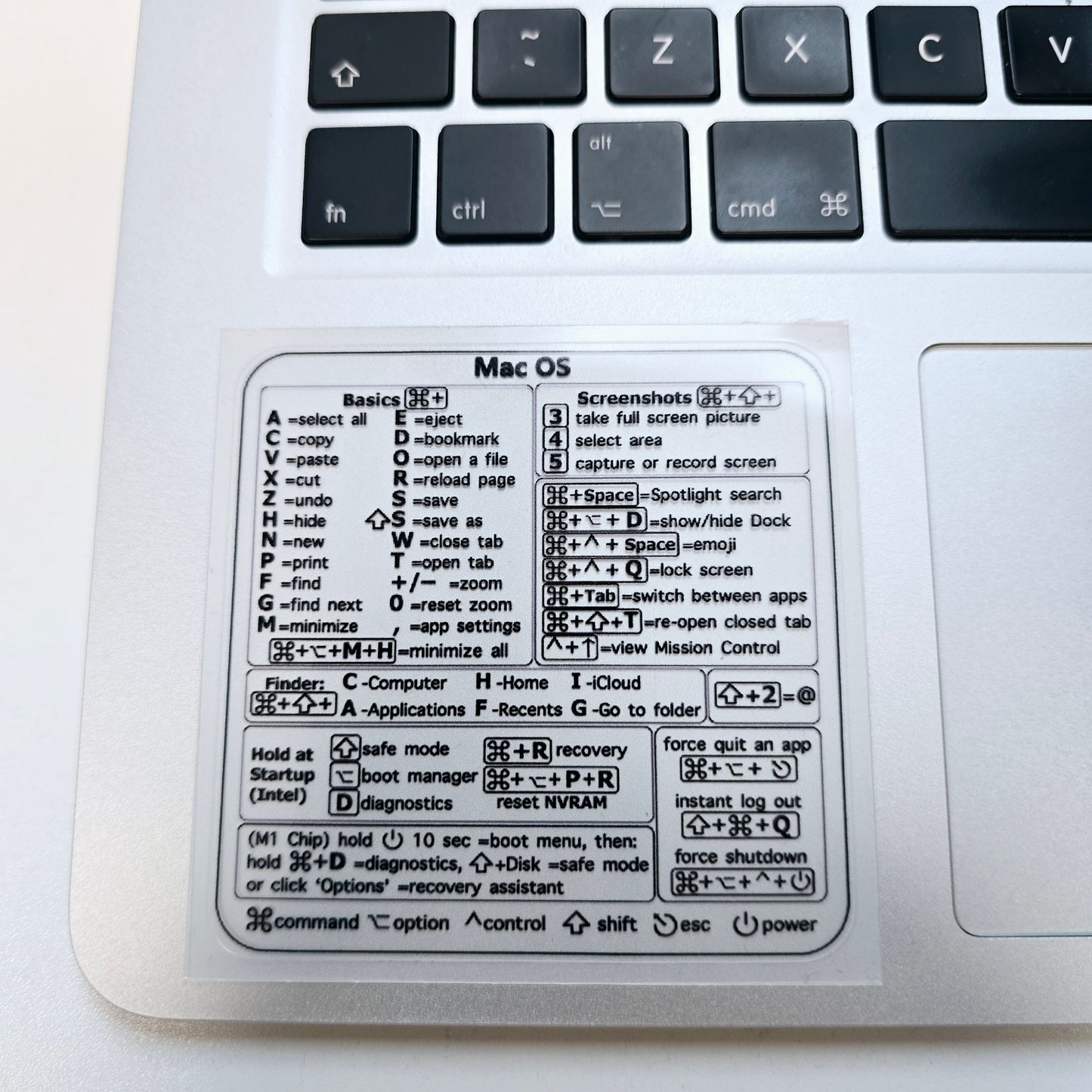
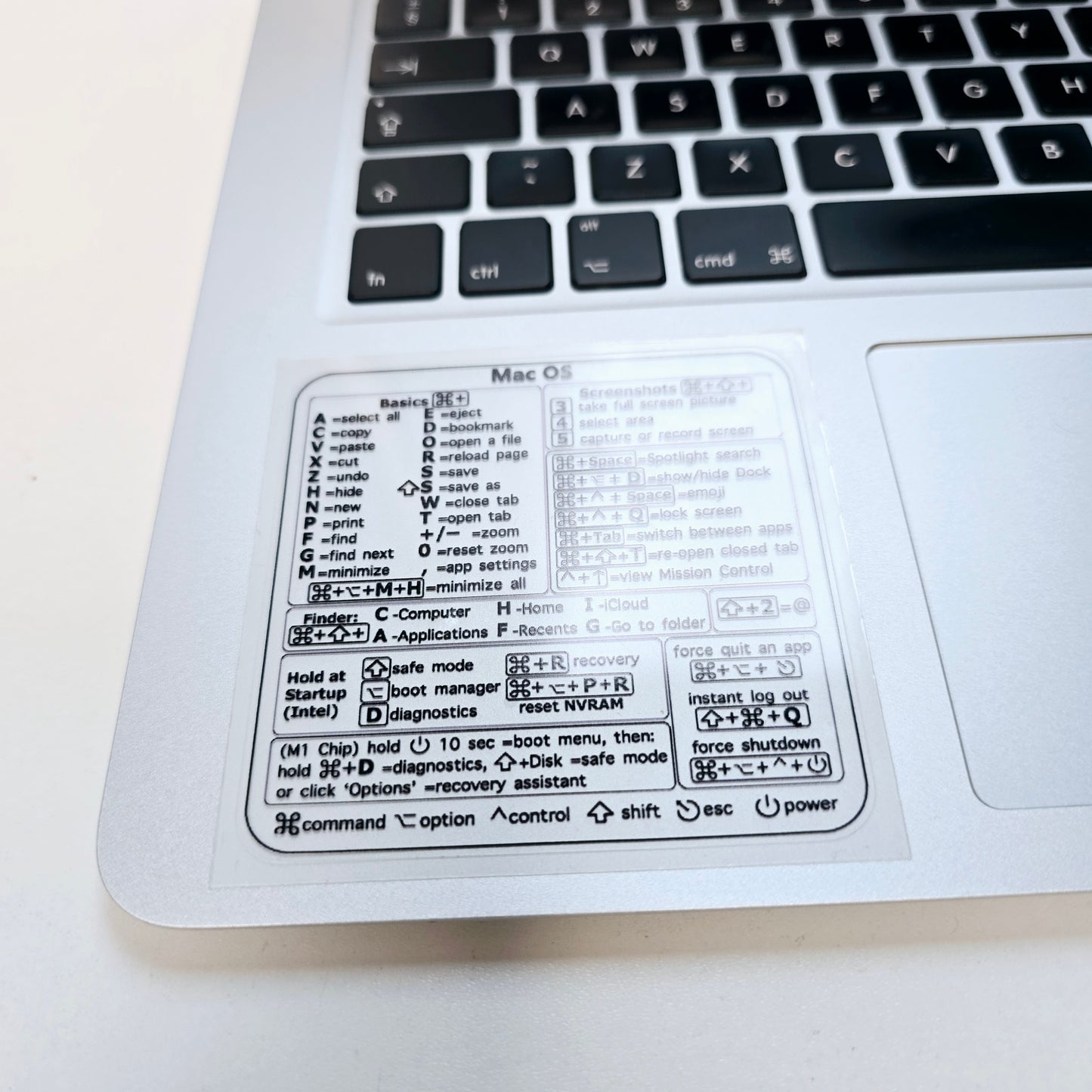
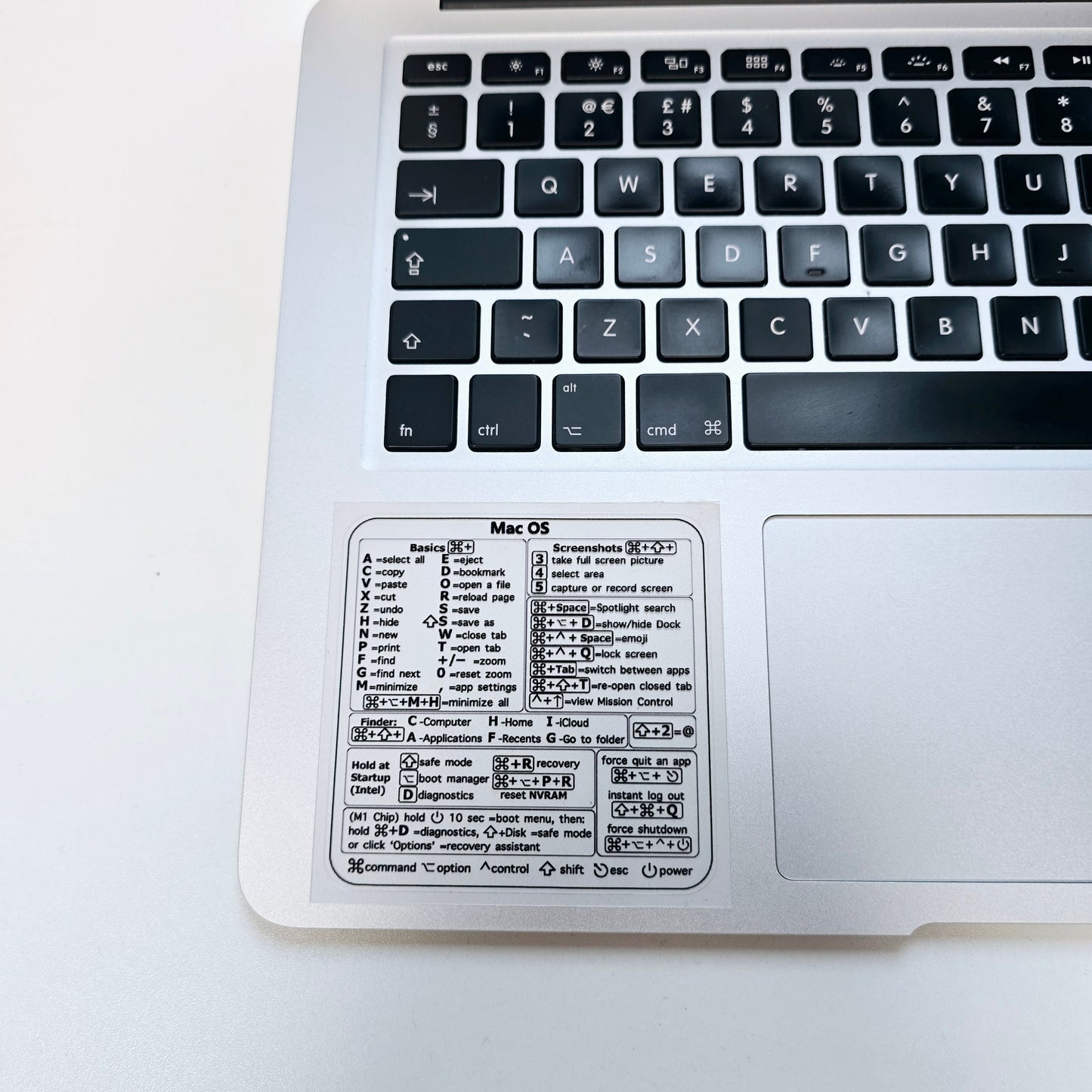
Shortcuts Sticker for Mac OS System 2024 New Shortcut Key Sticker for 13-16" MacBook Pro 13 /Air 13 Windows Word Excel Decal

Shortcuts Sticker for Mac OS System 2024 New Shortcut Key Sticker for 13-16" MacBook Pro 13 /Air 13 Windows Word Excel Decal

Feature:
With the Windows Reference Keyboard Shortcut Sticker, you have the most important shortcuts conveniently placed right in front of you. Easily learn new shortcuts and always be able to quickly lookup commands without the need to "Google" it.
Quick tips at your fingertips! This tool makes it easy to learn how to use your computer much faster and makes your workflow increase exponentially. It's perfect for any age or skill level, students or seniors, at home, or in the office.

Description:
Material: PVC
Color: As the picture show
Size: 8x8cm

Package include:
1 Pcs MacBook Shortcut Sticker

Regular price £2.00 GBP
Regular price Sale price £2.00 GBP
Sale Sold out

Low stock: 10 left

Need Help? Email

Email us at: hello@creowaves.com

View full details

Why learn 3D Printing?

3D printing technology is evolving fast, and creative professionals everywhere are eager to master it. Our courses give you hands-on experience with this cutting-edge field, teaching you how to design 3D models and confidently operate 3D printers.

Book now

Workshop details

Why choose Creowaves 3D printing workshop?

Our Workshop cost Includes

  • Expert teaching with experience in industrial and commercial product design
  • Free ongoing after support
  • Tailoring of syllabus and projects where possible
  • Creowaves Ltd certificate of completion

Supported Learning

Small Class Sizes

Experienced Instructors

Who Is It For?

  • Makers and hobbyists
  • Product designers
  • Engineers and technicians
  • Entrepreneurs and inventors
  • Small business owners
  • DIY enthusiasts
  • Anyone interested in modern manufacturing technologies
  • What You'll Learn

    • How 3D printing works and where it is used
    • Introduction to CAD (Computer-Aided Design)
    • Designing parts for additive manufacturing
    • Preparing and slicing models for printing
    • Understanding materials and their applications
    • Operating and maintaining desktop 3D printers
    • Rapid prototyping and product development techniques
    • Common design and printing mistakes and how to avoid them
    • Practical tips and tricks gained from real-world experience
  • What's Included?

    • Full day of practical, hands-on training
    • Access to professional CAD software and 3D printing equipment
    • Guided design and manufacturing exercises
    • Printed project to take home
    • Workshop materials and resources
    • Lunch and refreshments
    • Support and guidance from a Creowaves instructor
    • Certificate of Participation
  • Real-World Applications

    Discover how 3D printing can be used for:

    • Product development and prototyping
    • Custom manufacturing
    • Replacement parts and repairs
    • DIY projects and home improvements
    • Small-scale production
    • Educational projects
    • Supporting the circular economy through repair, reuse, and innovation

Customer Reviews

0 out of 5 Based on 0 reviews Collected by EasyReviews
 
0
 
0
 
0
 
0
 
0

Write a review