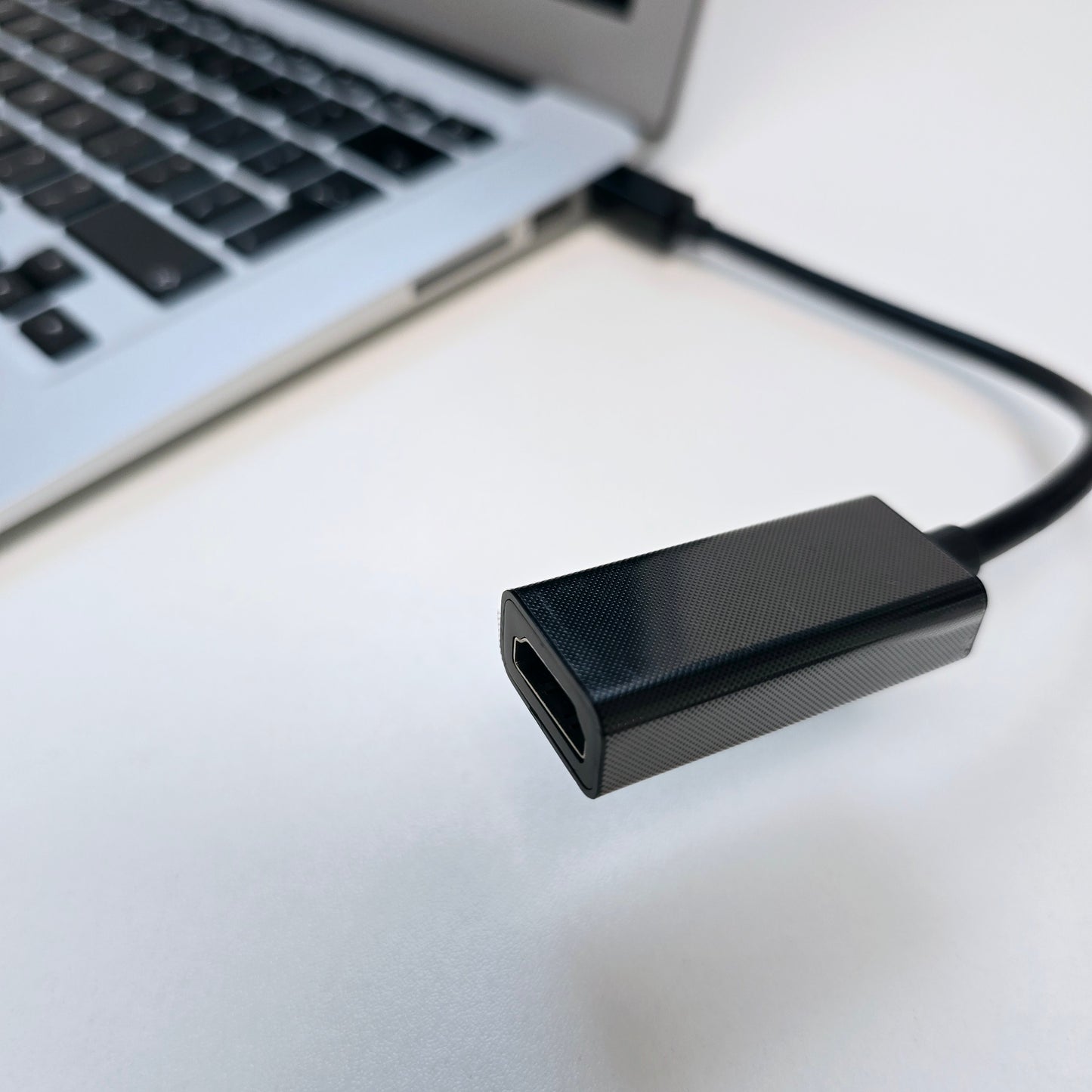
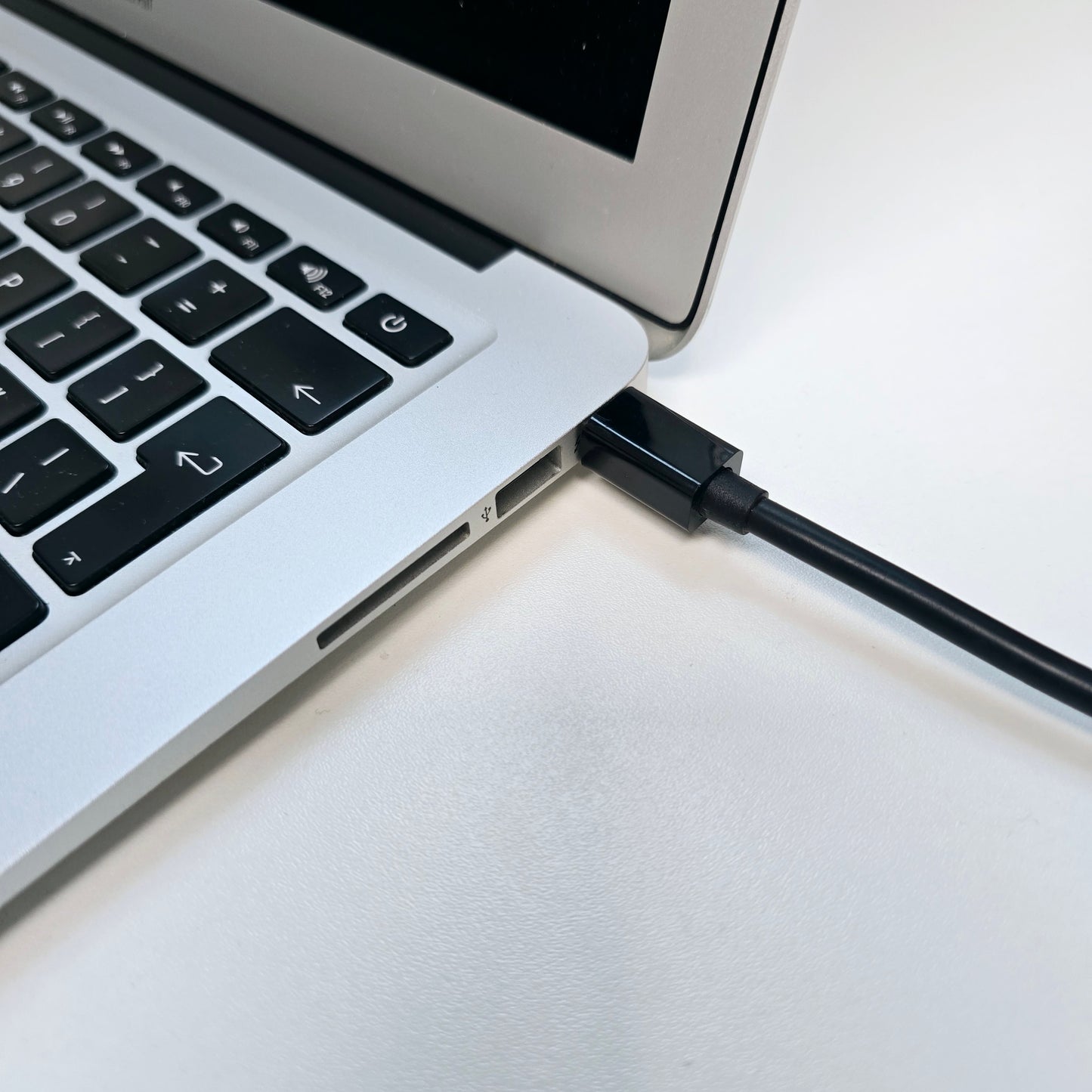
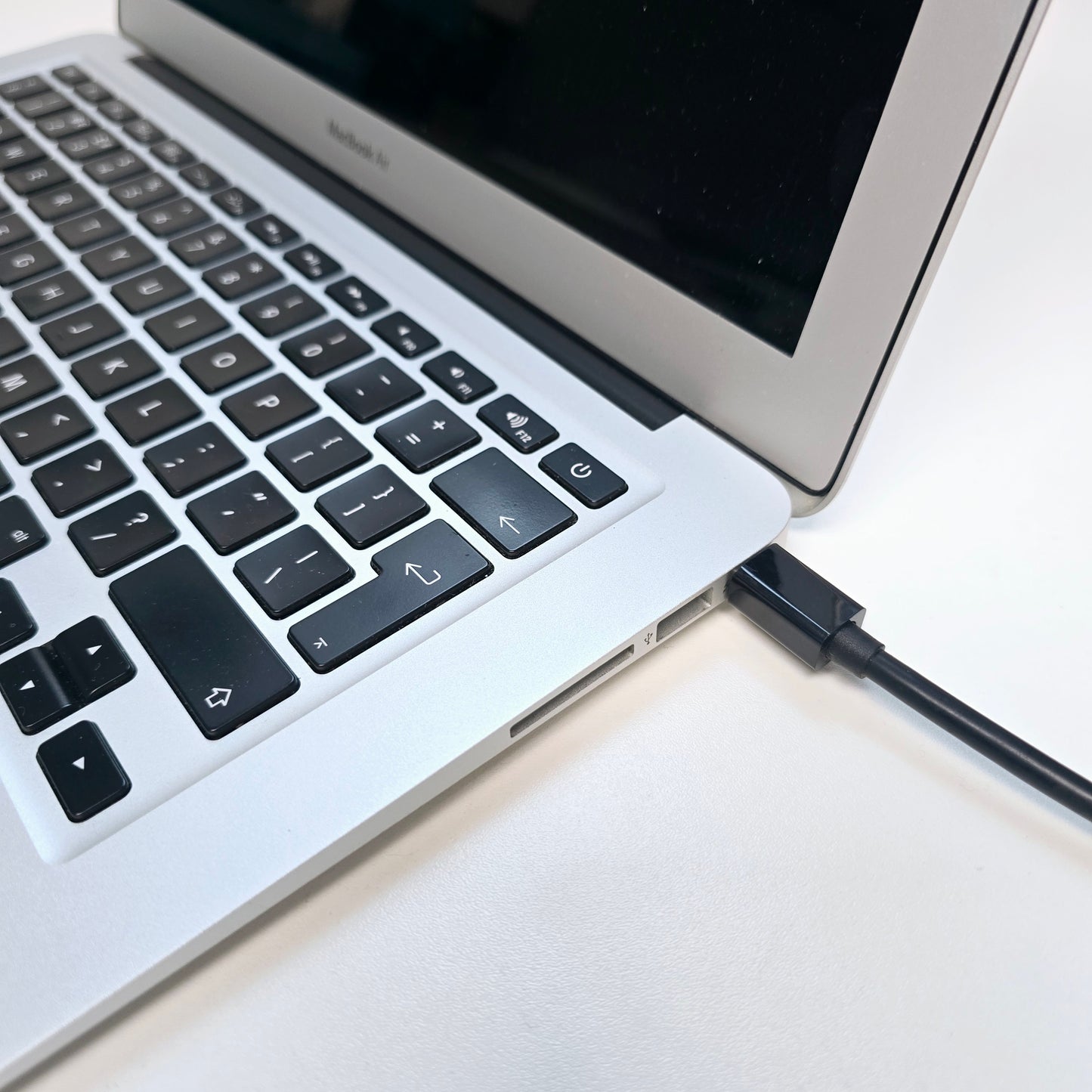
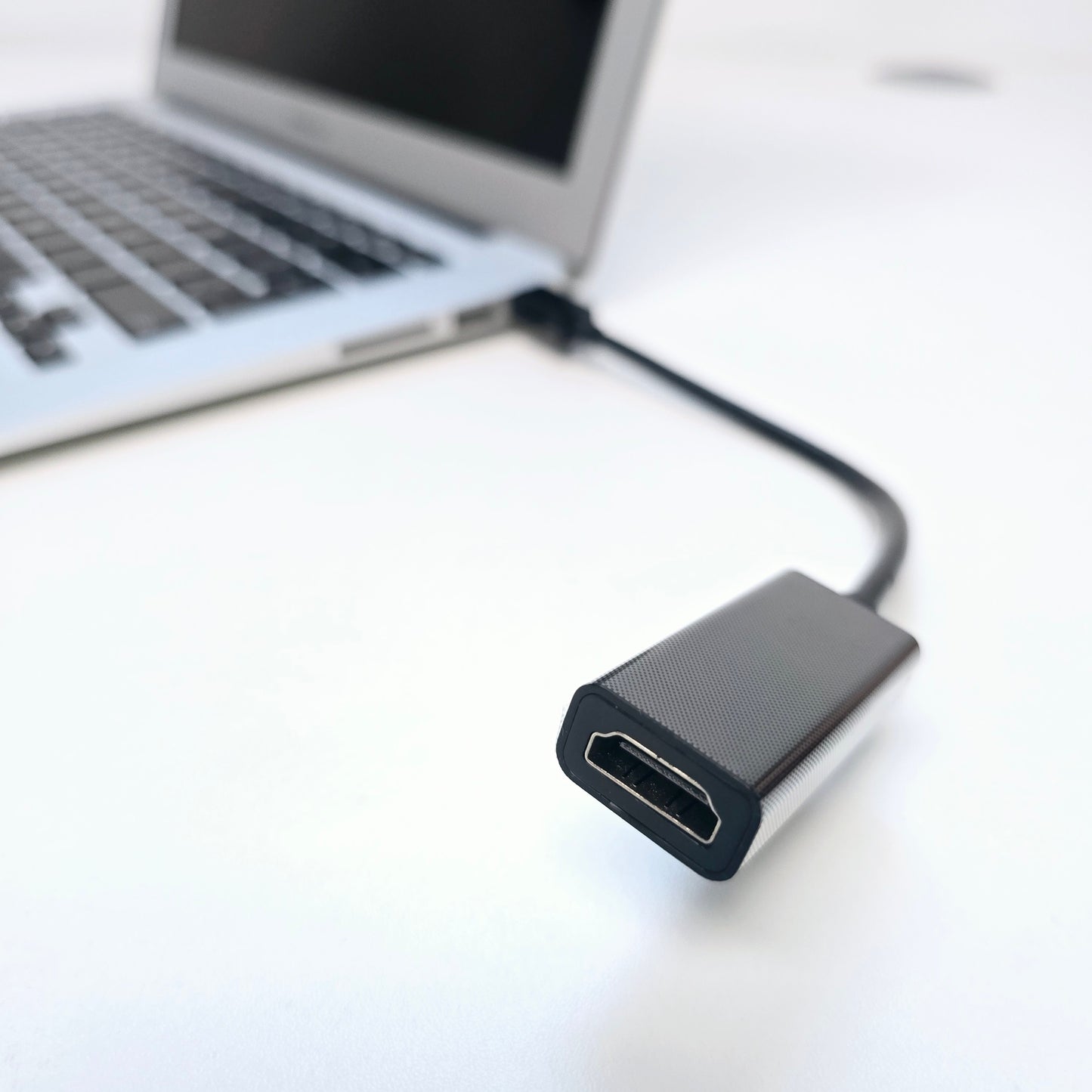
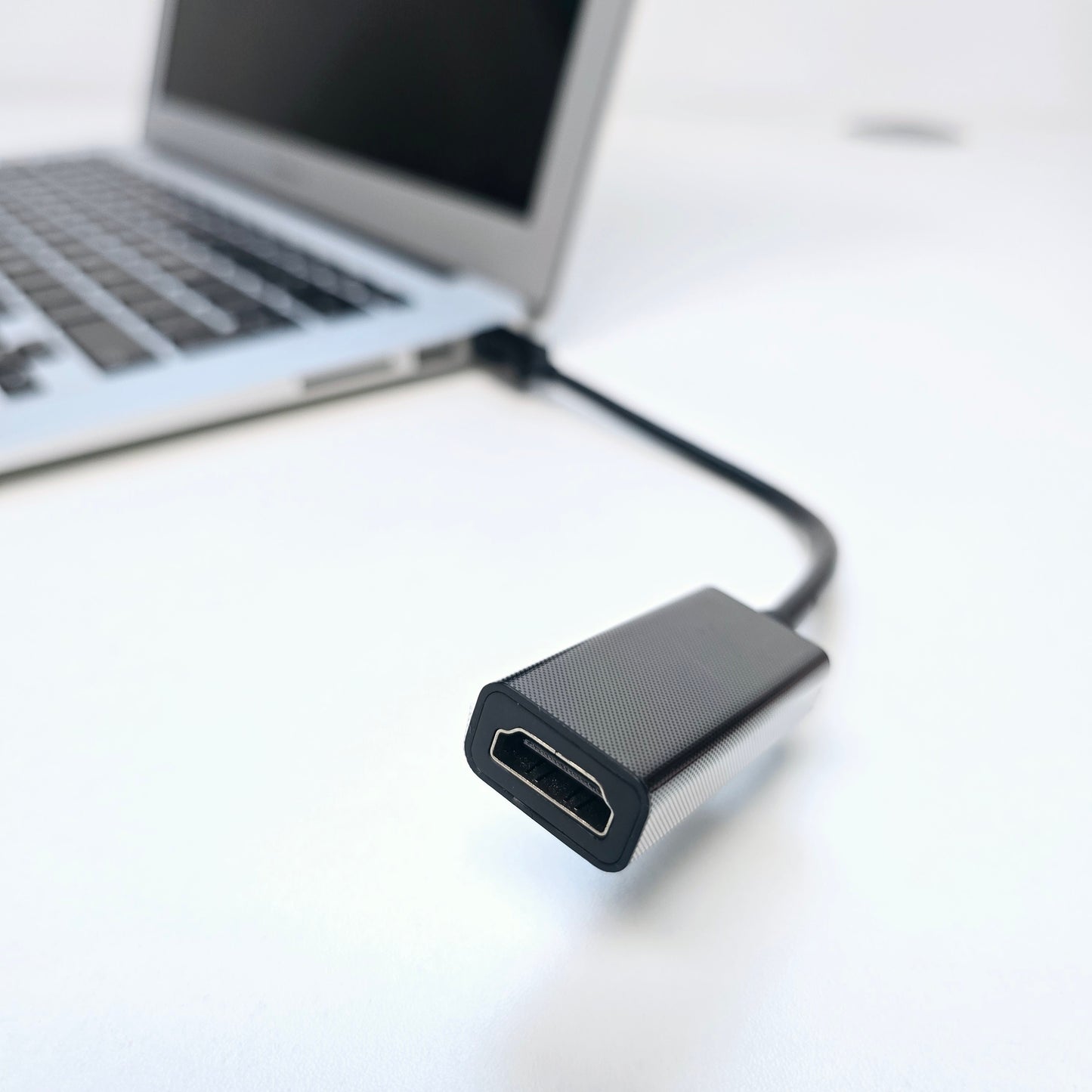
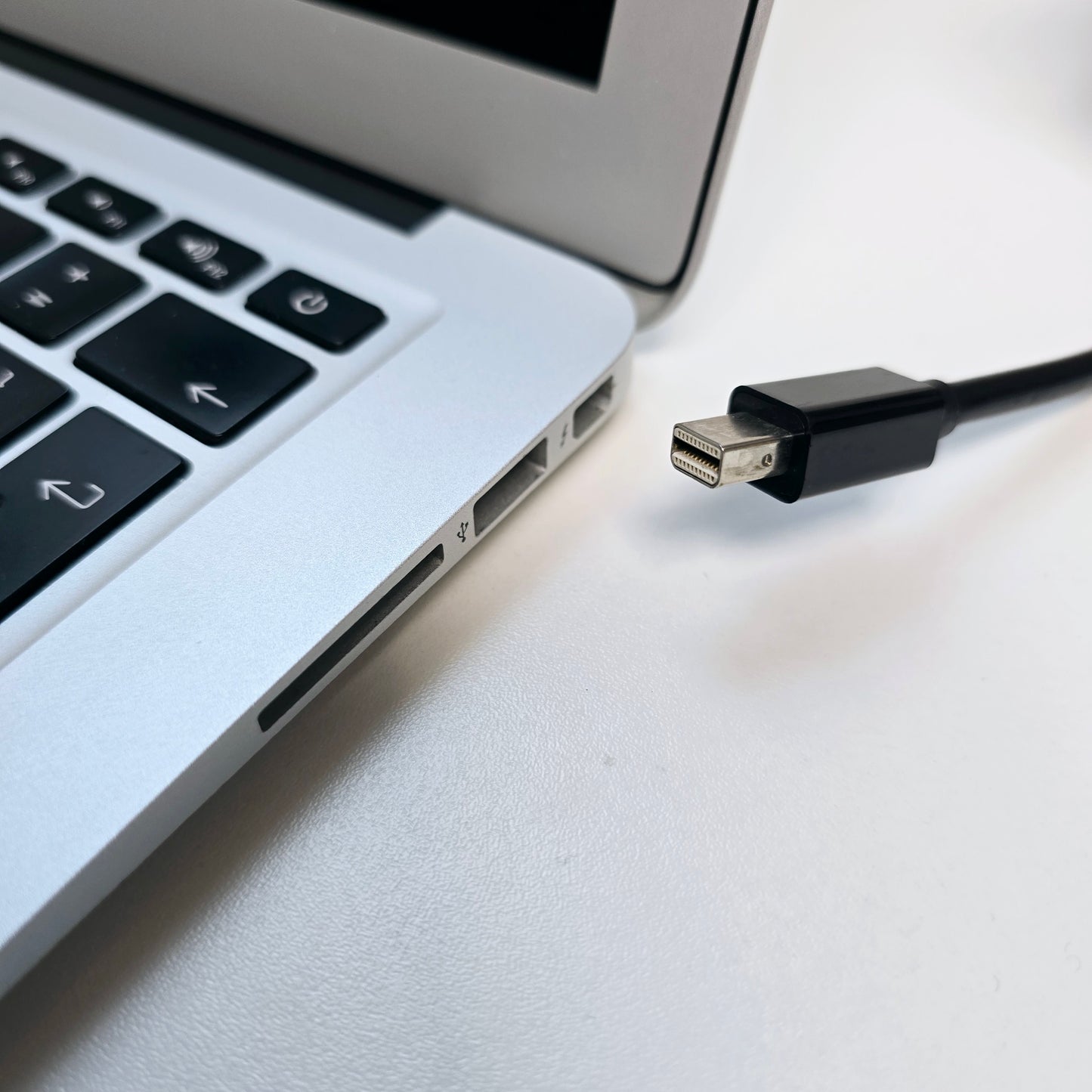
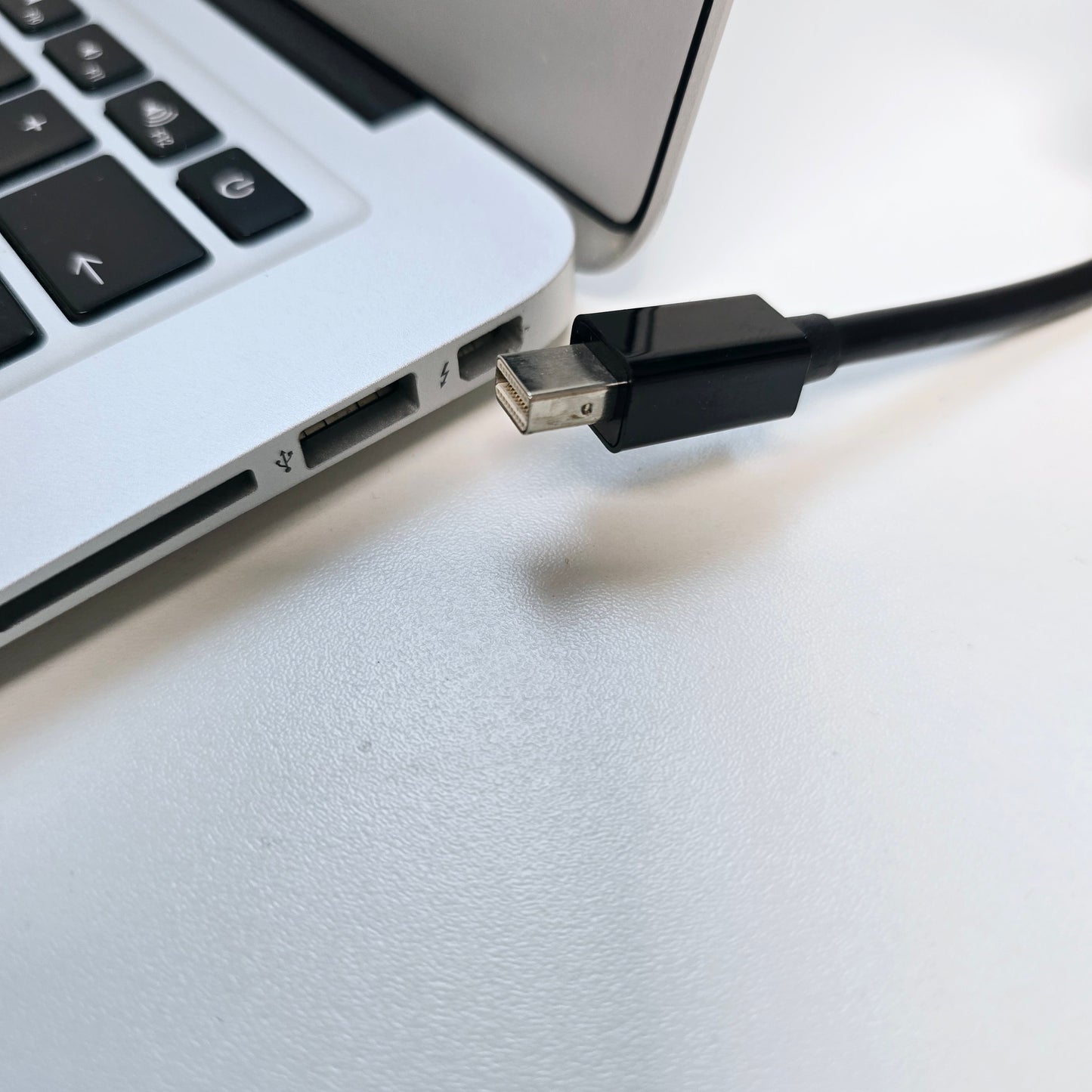
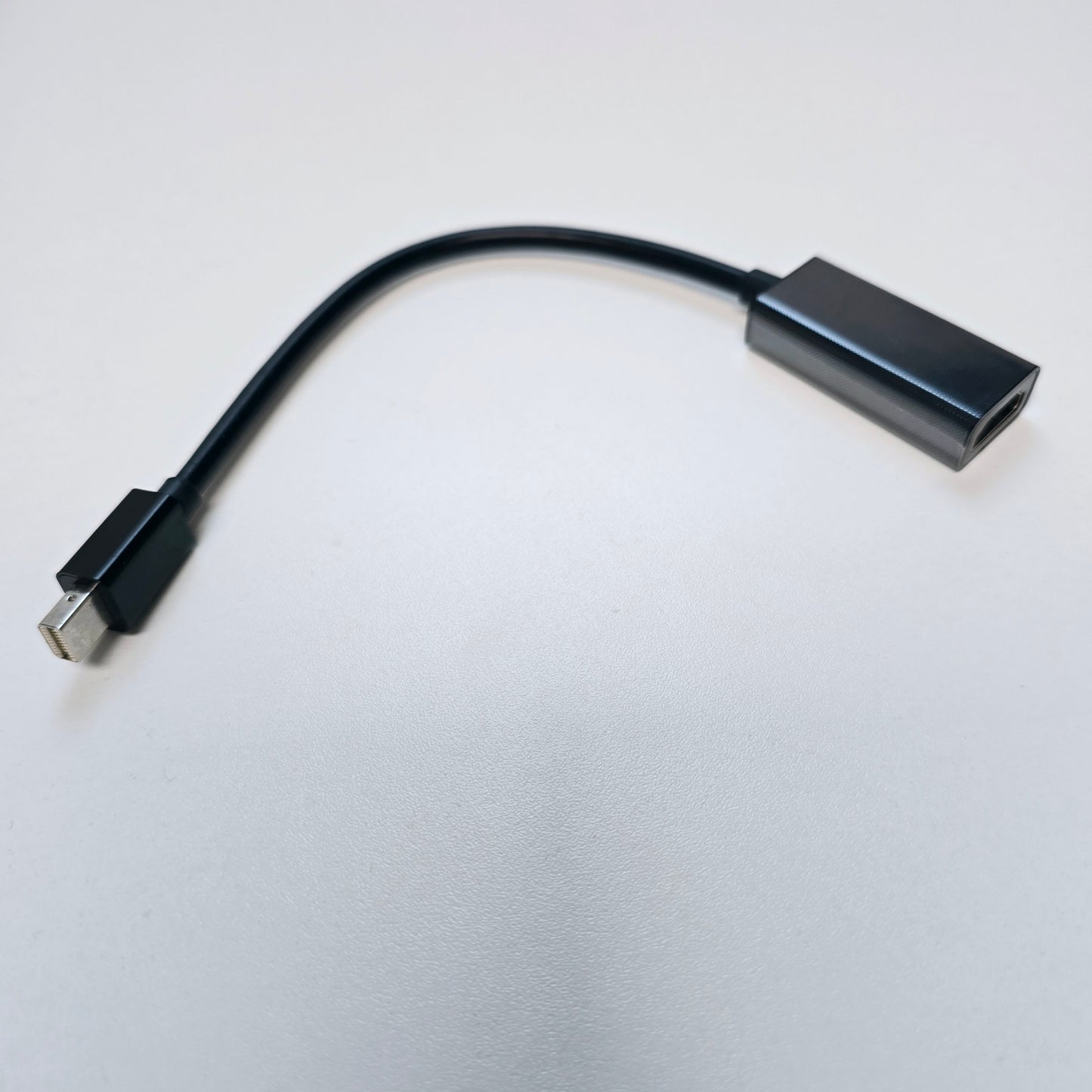
Mini DisplayPort to HDMI Adapter Cable 4K/1080P Mini DP Male to HDMI Female Thunderbolt 2 to HDMI Converter for MacBook Air/Pro
Mini DisplayPort to HDMI-compatible conversion line, can only achieve mini DP to HDMI-compatible one-way conversion. Support HDMI-compatible Video Resolution Up to 4K x 2K / 1920x1200 / 1080P, it depends on the style you buy
Description:
◆ This Mini displayport cable supports 4Kx2K or 1080P
◆ support Mini DisplayPort v1.2;
◆ support Mini DisplayPort signal to HDMI-compatible conversion;
◆ support 20pin Mini DisplayPort interface;
◆ Support Mini DisplayPort1.1a / 1.2 input and HDMI-compatible 1.3b / 1.4.2.0 output, and compatible with Thunderbolt interface input.
◆ support HDMI-compatible 225MHZ clock bandwidth, 2.25Gbps per channel data bandwidth (all channels 6.75Gbps data bandwidth)
◆ support HDMI-compatible 4Kx2k (3840 2160) ultra-high-definition output
◆ support HDMI-compatible 12bit Deep Color (all channels 36bit Deep Color)
◆ support up to 10.8Gbps video bandwidth;
◆ support 1Mbps two-way auxiliary channel;
◆ support one-way, single-channel, four-wire connection;
◆ support hot swap.
◆ built-in conversion chip, no external power supply
◆ in strict accordance with the Mini DisplayPort standard design, fit for Apple Mini DisplayPort specification, signal transmission stability
◆ to HDMI-compatible part of the audio and video to support synchronous transmission
Applicable Models:
◆ MacBook / MacBook Pro / MacBook Air / Apple iMac 21.5 / 27 inch, Lenovo X1, Dell XPS, and equipped with Mini Display Port interface, other brands of notebook or graphics card with HDMI-compatible connector HDTV, monitor, projector, LCD, LED display connected!
MB413 / MB4 / MB4 / MB4 / MB4 / MB4 /
◆ MB940 / MB985 / MB986 / MB990 / MB991 /
◆ MC024 / MC026 / MC118 / MC207 / MC226 / MC233 / MC234 / MC413
◆ MC503 / MC504 / MC505 / MC506 / MC508 / MC509 / MC510 / MC511 / MC516 /
◆ MC700 / MC721 / MC723 / MC724 / MC725 /
◆ MC812 / MC813 / MC814 / MC847 / MC950 / MC965 / MC966 / MC968 / MC969
◆ Lenovo: ThinkPad X1, X230, T420, W530
◆ Dell: xps14z / xps15 / xps15z / xps17
◆ All Mini displayport port cards and other notebooks
Low stock: 4 left
Need Help? Email
Need Help? Email
Email us at: hello@creowaves.com

Why learn 3D Printing?
3D printing technology is evolving fast, and creative professionals everywhere are eager to master it. Our courses give you hands-on experience with this cutting-edge field, teaching you how to design 3D models and confidently operate 3D printers.
Workshop details
Why choose Creowaves 3D printing workshop?
Our Workshop cost Includes
- Expert teaching with experience in industrial and commercial product design
- Free ongoing after support
- Tailoring of syllabus and projects where possible
- Creowaves Ltd certificate of completion
Supported Learning
Small Class Sizes
Experienced Instructors
Who Is It For?
- Makers and hobbyists
- Product designers
- Engineers and technicians
- Entrepreneurs and inventors
- Small business owners
- DIY enthusiasts
- Anyone interested in modern manufacturing technologies
More Details about Our 3D printing Workshop
-
What You'll Learn
- How 3D printing works and where it is used
- Introduction to CAD (Computer-Aided Design)
- Designing parts for additive manufacturing
- Preparing and slicing models for printing
- Understanding materials and their applications
- Operating and maintaining desktop 3D printers
- Rapid prototyping and product development techniques
- Common design and printing mistakes and how to avoid them
- Practical tips and tricks gained from real-world experience
-
What's Included?
- Full day of practical, hands-on training
- Access to professional CAD software and 3D printing equipment
- Guided design and manufacturing exercises
- Printed project to take home
- Workshop materials and resources
- Lunch and refreshments
- Support and guidance from a Creowaves instructor
- Certificate of Participation
-
Real-World Applications
Discover how 3D printing can be used for:
- Product development and prototyping
- Custom manufacturing
- Replacement parts and repairs
- DIY projects and home improvements
- Small-scale production
- Educational projects
- Supporting the circular economy through repair, reuse, and innovation